Support codes
A support code is a unique reference for a single automation item. When you share one with the team, we can pull up the exact item, see what happened, and work out what went wrong much faster.
Copy a support code
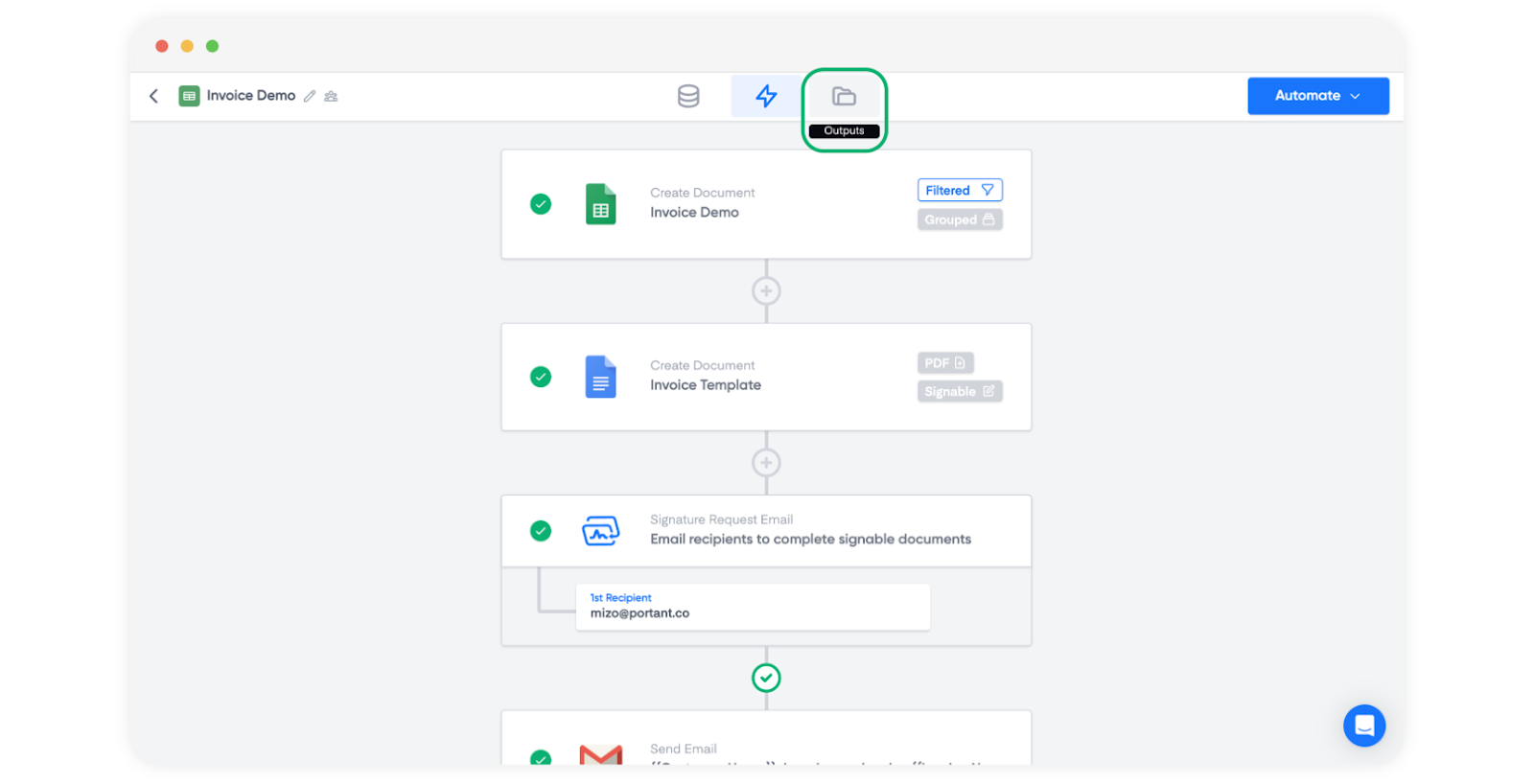
Open the Outputs page for the workflow.
Find the item you want help with. Items with errors have a yellow status icon, which makes them easier to spot. On the right hand side of the row, click the three dots icon, then choose Copy Support Code.
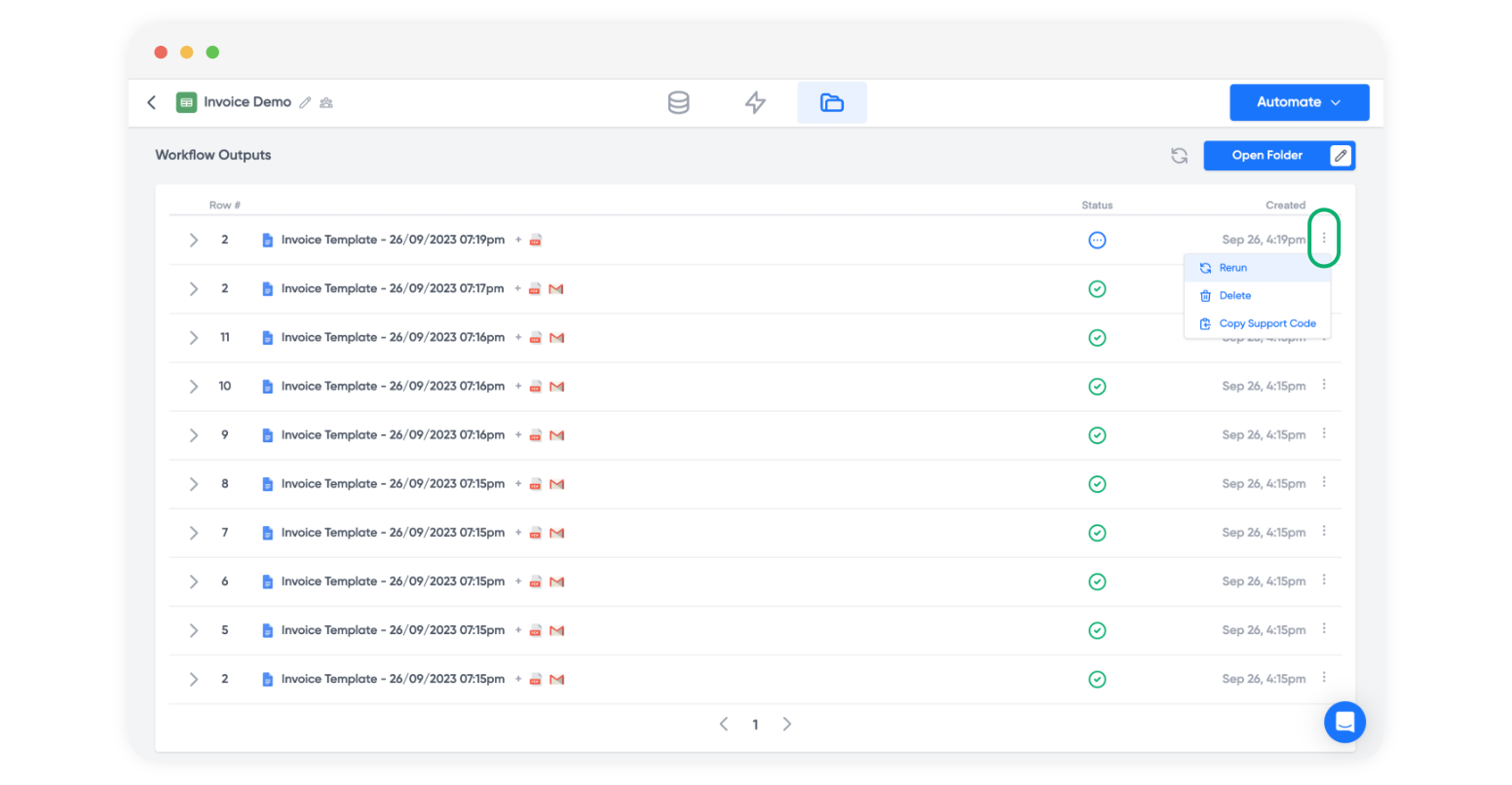
The support code is now on your clipboard. Paste it into our support chat when you message us, and we'll take it from there.
What a support code looks like
A support code starts with aui_, followed by a string of letters and numbers. Paste the whole code, including aui_.
The workflow ID in the address bar (it starts with aut_) is not a support code. It identifies the whole workflow, not one item.
No item on the Outputs page?
A support code exists only for an item that appears on the Outputs page. If the workflow never started, or no item appears, there is no code to copy. Send us these instead:
- The workflow link: open the workflow and copy the address from your browser's address bar.
- What you expected to happen, for example "a document for the form response submitted at 10:15".
- A screenshot of any error you see.
What we usually find
Many support codes point to one of these causes. You can check them before you contact us:
- An expired connection. Reconnect your Google account, HubSpot or Microsoft.
- No access to the output folder or the template. See "Insufficient permissions for the specified parent".
- An image tag that points to a file Portant cannot open. See "Image not accessible".
- A tag that does not match the source, which gives a blank field. See Documents are blank, or nothing is generated.
For the meaning of a specific message, see Error messages.